
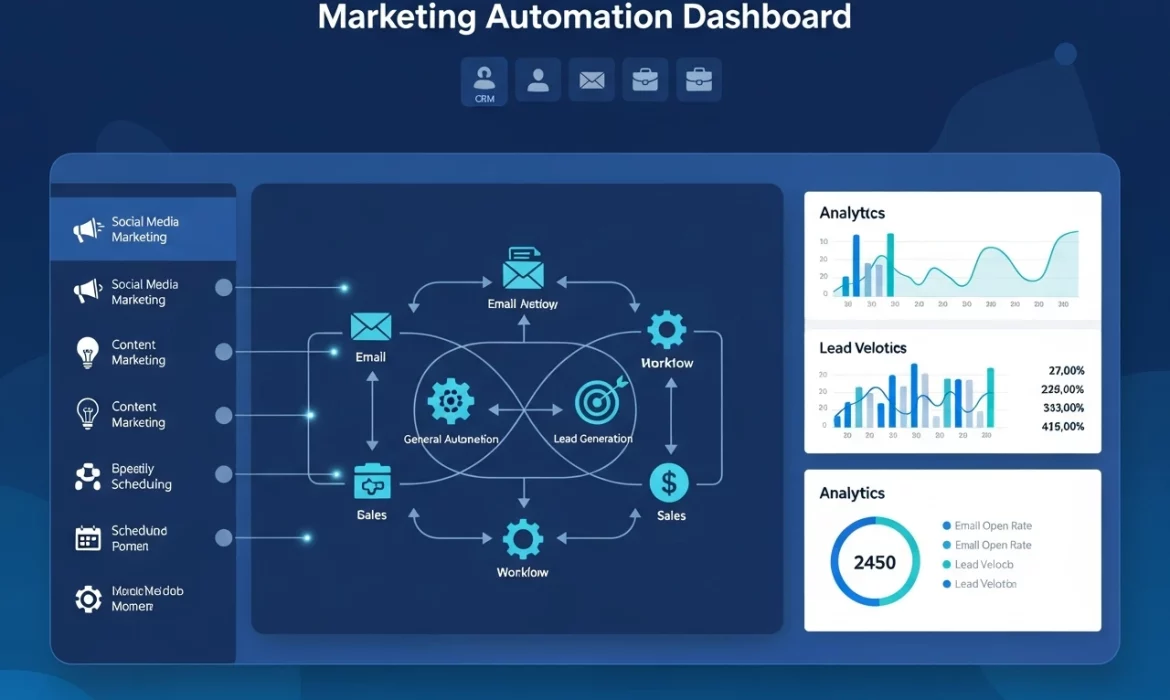
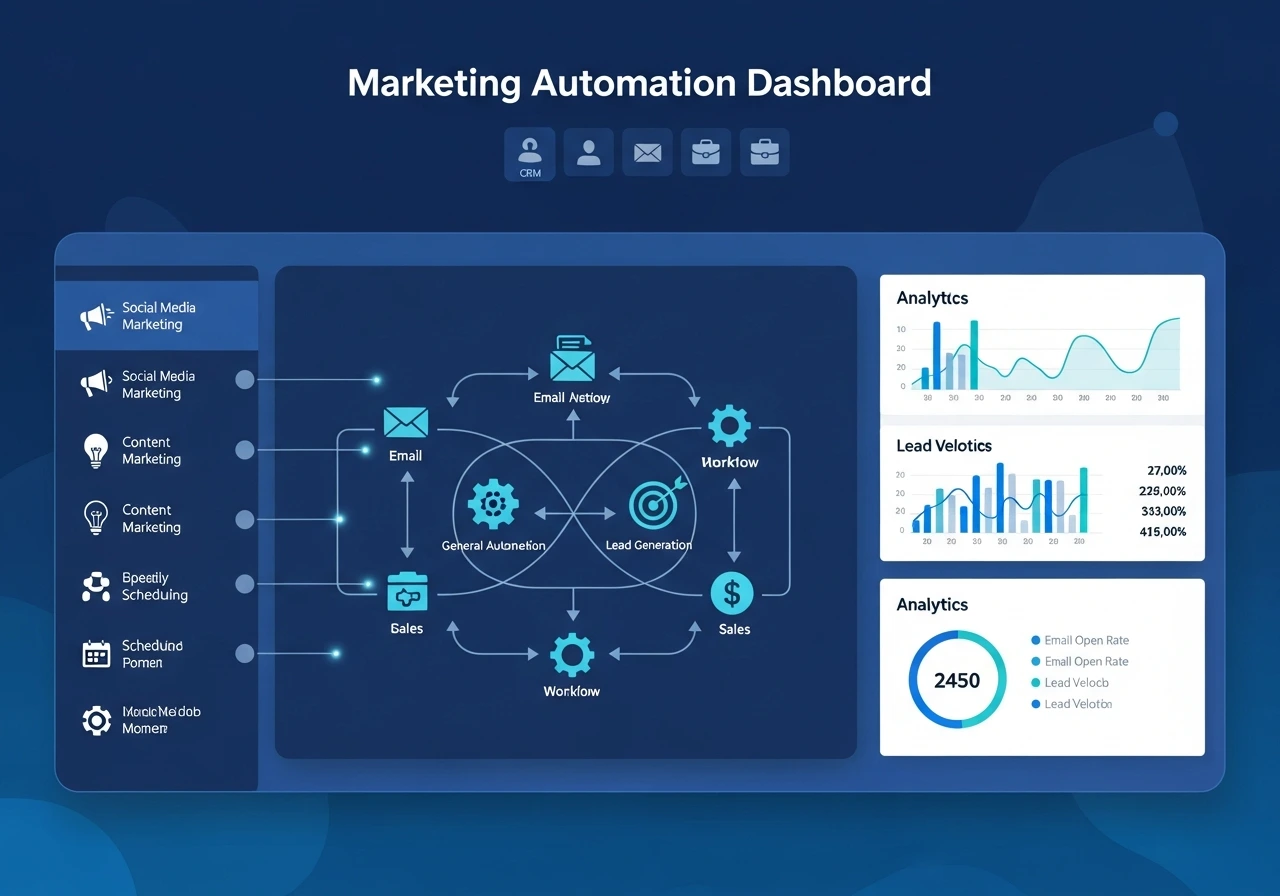
 Marketing automation integration is no longer optional for growing businesses. It is the foundation of a smooth, connected customer journey.
When your CRM, email tools, analytics systems, ecommerce platform, and ads data work together, your team gains speed, accuracy, and the ability to personalize every touchpoint.
This guide shows you how to integrate marketing automation tools step by step and build a system that supports higher conversions, better efficiency, and long-term growth.
What Makes Seamless Marketing Automation Integration So Important
Before you integrate anything, it helps to understand what seamlessness actually means. A robust integration setup eliminates manual handoffs, keeps all customer data up to date in real time, and enables your team to run automated workflows without technical friction.
Without this alignment, marketing tasks feel scattered and disconnected. With it, you create a single environment where campaigns work together, and every user interaction becomes part of a unified experience.
Define Your Marketing Automation Integration Strategy
A smooth integration always begins with clarity. You need a clear picture of what outcomes you want and how automation will support those goals.
Set Workflow Automation Goals That Match Your Business Needs
Start by defining what success looks like. Do you want better lead nurturing, stronger personalization, or more efficient campaign management? Identifying the repetitive tasks that take time from your team also reveals your best automation opportunities.
Audit Your Current Tech Stack
Look at every tool your team uses. This includes CRM platforms, email tools, ecommerce platforms, analytics dashboards, landing page builders, and social scheduling tools. Many integration issues happen because companies do not know which systems overlap or where data gets siloed. A simple audit will show you which tools should connect and what data must flow between them.
Choose Tools That Connect Easily
Whenever possible, select marketing automation platforms with strong native integrations. These tools already know how to talk to each other, which makes your setup far easier. If you need deeper customization, you can explore API connections, middleware platforms, or custom workflows. The key is choosing a solution that reduces long-term technical debt.
Set Up the Technical Foundation for Integration
Once your strategy is set, you can shift into the technical phase. This is where you map data, clean records, and build workflows that support your campaigns.
Map Your Data Across Systems
Data mapping means understanding how information moves. For example, your CRM may use fields like “Lead Source” or “Lifecycle Stage”. Your marketing automation tool must use the same definitions. When both sides match, you avoid duplicate records, wrong assignments, or broken workflows.
Clean and Standardize Your Data
Before you integrate anything, remove duplicate contacts, fix inconsistent formats, and correct missing fields. Clean data ensures accurate segmentation, reliable automation triggers, and better reporting. Many businesses skip this step and struggle with messy campaigns months later.
Build Smart Automated Workflows
Use your automation platform’s visual builder to create sequences that respond to user behavior. This could be a welcome series after a form submission or a follow-up sequence after a product page visit. The entire purpose of automation is to send the right message at the right time without manual effort. That only works if your workflows are built carefully and tested properly.
Train Your Team Before You Launch
No integration works if your team does not understand how to use it. Take training sessions for marketing, sales, and customer support. Make sure they know how data moves, what actions trigger automation workflows, and how to update records correctly. Strong adoption leads to long-term success.
Test Your Marketing Automation Setup Before You Go Live
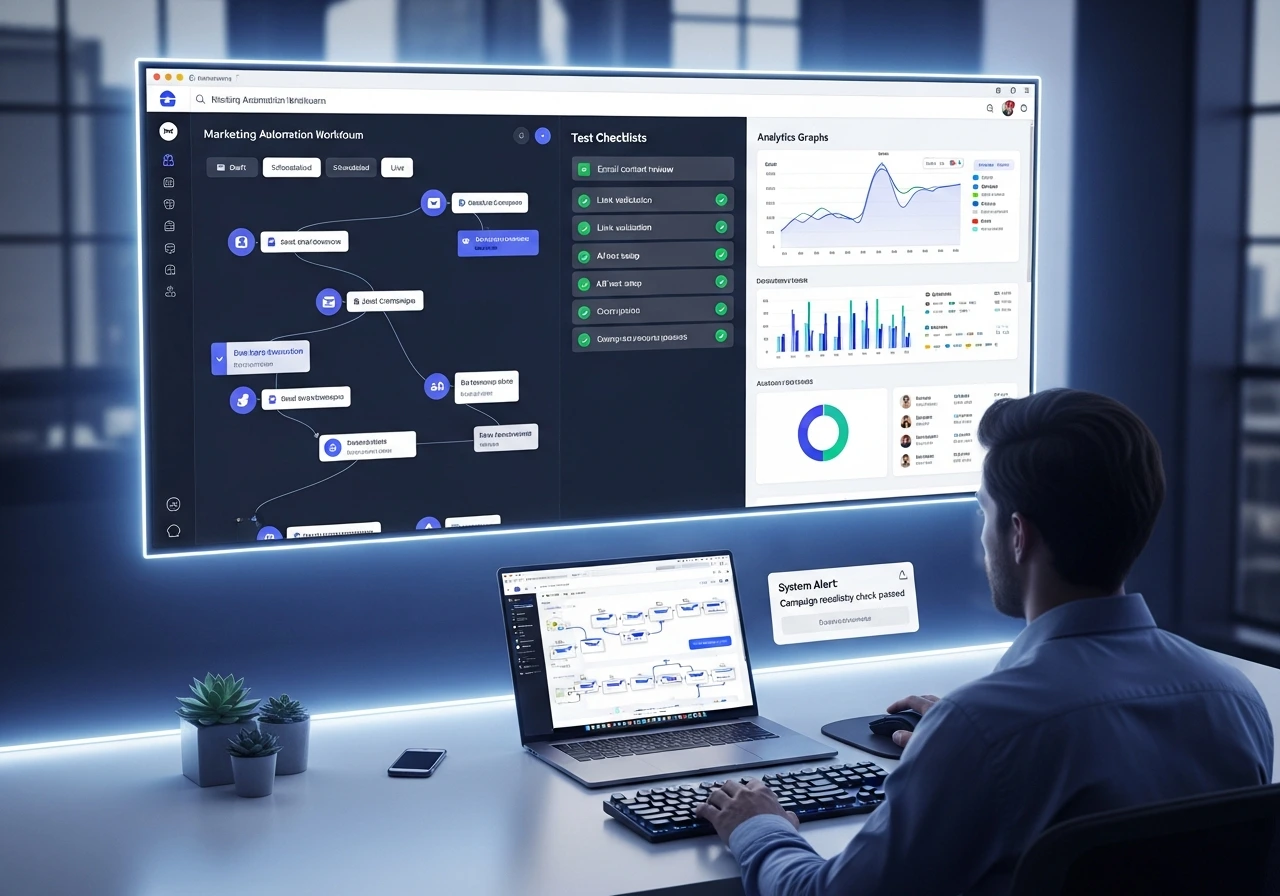
Many integration issues show up only when you start testing. This is where you simulate actions, check triggers, and confirm that everything works.
Run End-to-End Testing
Use sample contacts to test every trigger and workflow. Submit a form, download a lead magnet, click an email, or visit a key page. Watch how the system responds. This is the best way to catch errors before real customers experience them.
Verify Data Flow, CRM Integration Tips, And Reporting Accuracy
Check if your CRM updates correctly when a workflow runs. Make sure analytics tools track events, conversions, and interactions. Your goal is to confirm that every data point reaches the right tool at the right time.
Monitor and Improve Your Automation Framework
Integration is not something you “set and forget”. It requires regular monitoring and refinement so you can get the most out of your workflows.
Track Key Performance Metrics For Automation Software Setup
Watch email engagement, conversion rates, lead scores, pipeline movement, and overall ROI. The data tells you which workflows work well and which need adjustments.
Optimize Workflows Based on Real Results
Use A/B testing to compare different subject lines, timings, offers, or triggers. If a workflow does not improve performance in the first few weeks, refine and simplify it.
Top Integration Points Every Business Should Prioritize
To get the full value from marketing automation, focus on the systems that influence customer behavior directly.
CRM Integration for a Full Customer View
Your CRM should be the heart of your integration setup. When marketing and sales share the same data, you gain complete visibility into each customer journey. It also helps with better segmentation and lead scoring.
Ecommerce Platform Integration for Triggered Workflows
If you run an ecommerce store, connecting your automation tool directly to your platform helps create abandoned cart campaigns, post-purchase sequences, and win-back flows. These workflows often produce some of the highest ROI.
Analytics Integration for Clear Reporting
Connect your analytics tools to your automation platform so you can track which campaigns lead to purchases, downloads, or conversions. Closed-loop reporting helps you invest in what works and cut what does not.
Social Media and Ads Tool Integration
When your social scheduling or paid ads tools connect with your automation system, you get better attribution and more precise retargeting campaigns. It also helps you match leads to their behaviors across channels.
Ready to Build a Connected Automation System That Drives Growth
If you want your marketing automation setup to boost revenue and improve efficiency, the integration must be done with strategy and precision. A connected system gives you better customer insights, smoother workflows, and stronger performance across every channel.
If you want expert support, our expert team at EvenDigit can guide you through planning, integration, workflow setup, and optimization. Our specialists will help you build a system that delivers measurable growth and supports your long-term marketing goals.