
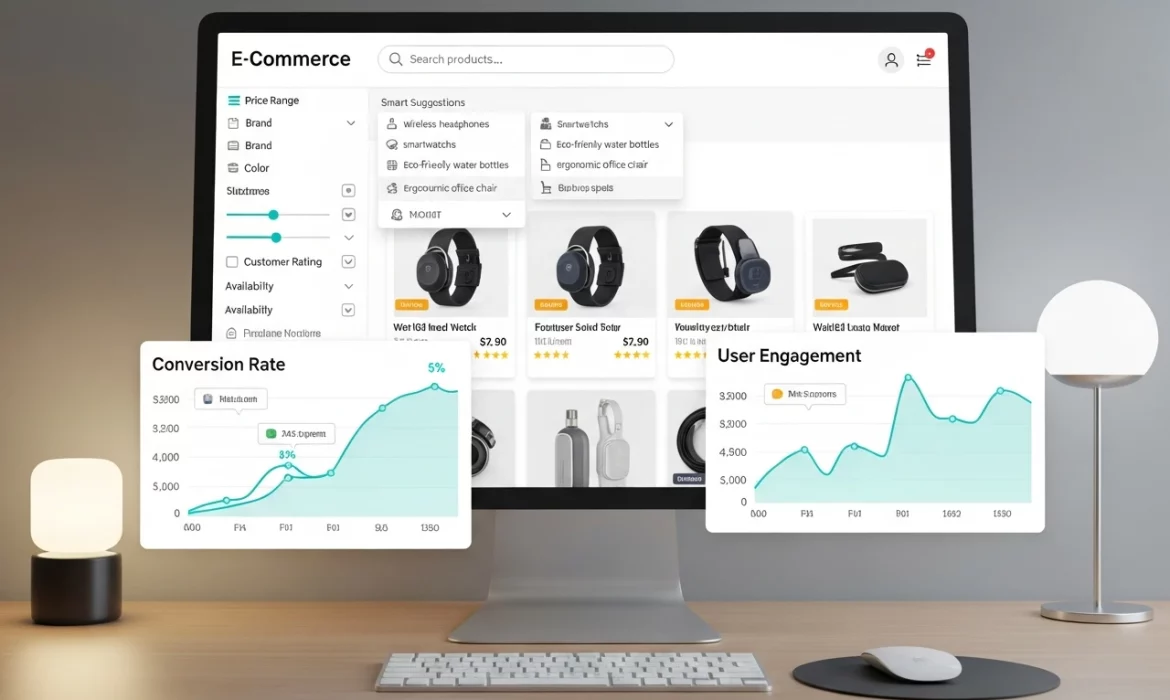
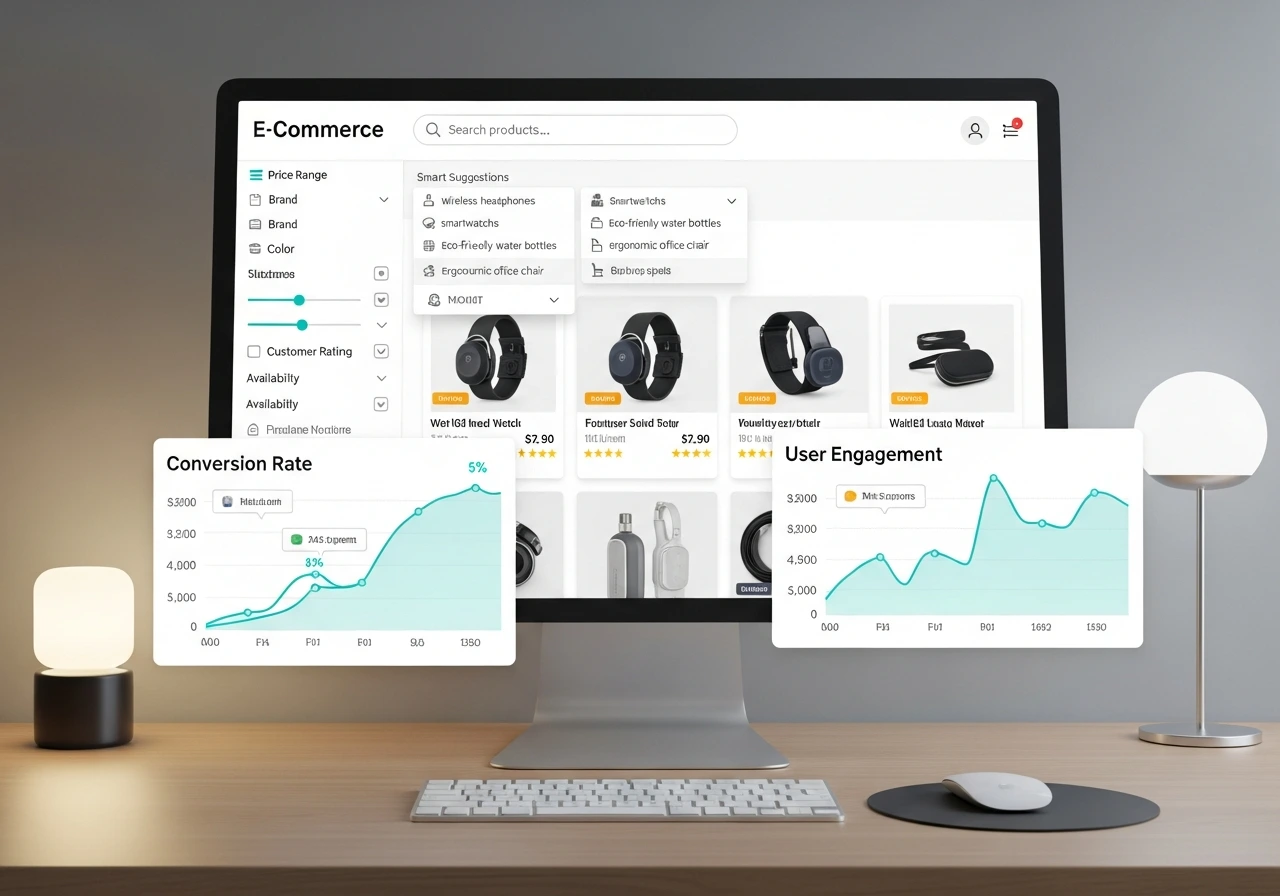
A strong on-site search experience can become one of the biggest revenue drivers for your ecommerce store. Shoppers who search often have higher intent, stronger motivation, and a clear idea of what they want.
When your search system works well, conversions increase, and the entire shopping experience feels smooth and intuitive.
This guide explains every essential best practice you need to improve search relevance, user experience, and overall store performance.
Why On-Site Search Optimization Matters for Ecommerce Growth
A good search experience directly influences conversions, revenue, and how customers feel while exploring your store. It acts like a digital salesperson who guides shoppers to the right products in the shortest possible time.
Shoppers Who Search Convert Faster and Spend More
Search users already know what they want. They skip the browsing stage and move straight to comparing options. This makes them more likely to buy and more likely to add extra items while checking out.
Search Behavior Reveals Customer Intent and Buying Signals
Every query reflects what customers want and how they think. When you analyze search terms and behavior, you gain insights that help you improve product pages, categories, and merchandising.
Better Search Reduces Friction and Improves Overall Ecommerce UX
A slow or inaccurate search system increases frustration. On the other hand, a fast and relevant experience builds trust and creates a positive buying journey.
Core Product Search Best Practices Every Ecommerce Store Must Implement
A high-performing search experience must be simple, forgiving, and fast. Shoppers should never feel stuck or confused while typing a query.
Make the Search Bar Highly Visible Across Desktop and Mobile
Place your search bar in a consistent location, such as the top right of your header. On mobile, use a clear search icon that expands when tapped. A visible search bar encourages visitors to use it more often.
Use Autocomplete to Predict Queries and Reduce Typing
Smart autocomplete reduces typing effort and eliminates confusion. Shoppers get suggestions for categories, products, and trending searches as soon as they start typing.
Support Typo Tolerance and Synonyms for Smarter Search Relevance
Customers make mistakes. Your search engine should not. A strong search system understands that “headphones,” “hedphones,” and “earphones” are related. It should also match synonyms such as “sofa” and “couch.”
Add Natural Language Search for Better Intent Understanding
Modern users type conversational queries such as “a bag for office use” or “quiet blender for morning smoothies.” Natural language capabilities help your search engine interpret intent rather than just match keywords.
Ensure Fast Search Results for a Smooth Browsing Experience
Search results must load fast regardless of catalog size. Slow results increase bounce rate and reduce trust.
Smart Search Relevance for Ecommerce Users
Accurate and relevant search results help shoppers reach the product they want without scrolling endlessly. Strong relevance is the foundation of effective ecommerce search.
Boost Search Relevance with AI and Behavioral Learning
AI learns from user behavior such as clicks, add to cart actions, or repeat views. This helps the system automatically rank more relevant products higher.
Re-Rank Products Using Click Data and Past Interactions
If users consistently click a certain product when searching for “blue dress,” the search engine should promote that item higher in future queries.
Deliver Accurate Results for Various Query Types
Your site must perform well for:
- Exact product queries
- Category searches
- Attribute-based searches, such as “black running shoes”
- Problem-based queries like “dry skin relief”
- Informational searches, such as “return policy”
A complete search system handles all of these smoothly.
Ecommerce UX Tips to Improve Search Results Pages
The results page is where shoppers decide if they want to buy or continue searching. A clear and friendly layout increases confidence and reduces frustration.
Offer Faceted Filters That Narrow Down Results Quickly
Filters allow users to refine results by color, size, price, brand, or material. Display the number of available results for each filter option so shoppers avoid dead ends.
Show Rich Product Data in the Results Grid
Include thumbnails, pricing, ratings, and small badges to help users evaluate products at a glance. Highlight things like free shipping, discount tags, or bestsellers.
Use Infinite Scroll or Pagination Designed for Mobile
Mobile users prefer scrolling rather than tapping through page numbers. Infinite scroll or load more buttons keep the experience simple.
Optimize the No Results Page to Reduce Drop Off
Never leave customers stuck. Suggest related searches, popular categories, helpful FAQ links, or top products to keep them on your website.
Add Quick Add to Cart and Wishlist Buttons for Faster Actions
Shoppers appreciate shortcuts. Quick actions save time and increase conversions for repeat buyers.
Personalization and Dynamic Search Enhancements for Higher Conversions
Personalized search results can significantly improve customer engagement because shoppers see what is most relevant to them.
Use Behavioral Personalization to Tailor Product Rankings
Show products based on browsing history, past purchases, and frequently viewed items.
Recommend Complementary Products in Search Results
Suggest items like matching accessories or bestsellers from related categories.
Localize Search Results Based on User Location and Inventory Availability
Show regional products, shipping timelines, or availability based on the delivery area.
Mobile Product Search Best Practices for Better Ecommerce UX
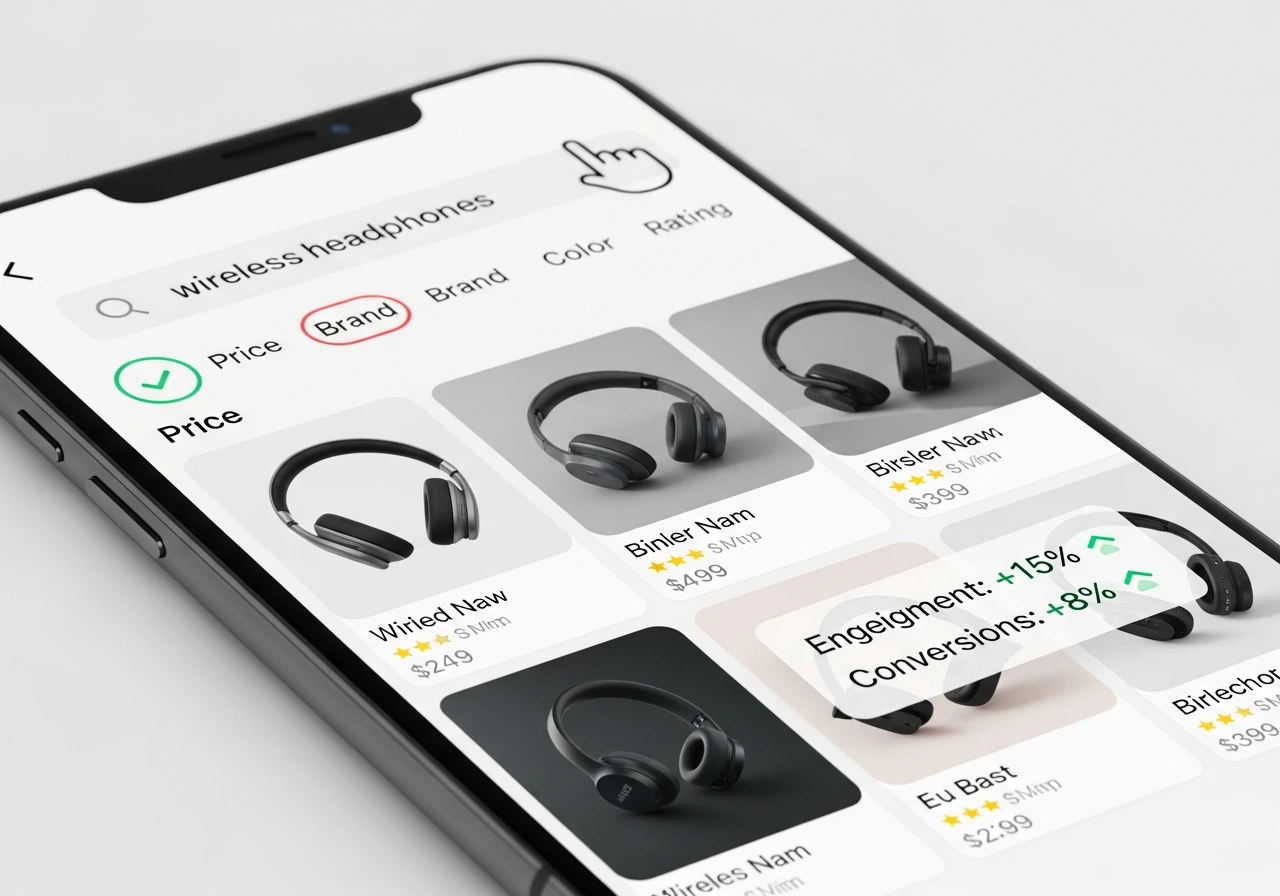
Most users shop on mobile, so your search experience must feel smooth, touch-friendly, and fast.
Use a Sticky Search Bar on Mobile Screens
A search bar that stays visible while scrolling improves discoverability and encourages repeated use.
Make Filters Swipeable and Touch Friendly
Large tap zones, swipe options, and visible chips make filtering less frustrating.
Use Smart Autocomplete to Minimize Typing
Typing long queries on mobile is tiring. Smart suggestions reduce effort.
Ensure Results Load Fast Even on Slower Connections
Lightweight images and optimized scripts help results load quickly.
Advanced On-Site Search Optimization for Modern Ecommerce Stores
Advanced features can create a competitive advantage and give shoppers a richer experience.
Add Visual Search for Shoppers Using Images to Find Products
Users can upload a photo to find similar products. This is useful for fashion, home decor, and lifestyle categories.
Use Voice Search for Users Who Prefer Conversational Queries
Voice search helps users on mobile or those browsing hands-free.
Apply Search Merchandising to Promote High Margin or Trending Products
Merchandising rules help you boost products that drive higher profit or match seasonal trends.
Use AI Tools to Improve Search Relevance and Categorization
AI improves tagging, relevance scoring, and matching accuracy over time.
Using Search Analytics to Improve Conversions and UX Over Time
Search data helps you understand what customers want and where they get stuck.
Track Top Queries and High-Intent Keywords
Identify popular products and adjust your merchandising strategy.
Identify Zero Results Queries and Fix Missing Products or Metadata
Many zero result searches indicate missing tags, incorrect keywords, or demand for products you do not stock.
Analyze Search to Purchase Path for Conversion Insights
Look at how search influences revenue and where customers drop off.
Run A/B Tests for Layouts, Filters, and Result Ordering
Experiment with the position of filters, wording, sorting, and visual layouts to optimize conversion rate.
Best Site Search Tools for Ecommerce Stores
Choosing the right search engine ensures speed, accuracy, personalization, and long-term scalability.
SaaS Search Tools for Fast Setup and Advanced Features
Good for growing brands and enterprise stores.
Examples include Algolia, Doofinder, Searchspring, Klevu, and Bloomreach.
Built-in Search Engines for Small Ecommerce Stores
Shopify and WooCommerce offer basic search that works for small catalogs.
Open Source Search Engines for Large Complex Catalogs
Elasticsearch and Solr are flexible and powerful, but require development resources.
How to Pick the Right Search Engine Based on Your Store Size
- Small stores should choose plug-and-play tools.
- Mid-sized brands should choose search engines with personalization.
- Enterprise stores need AI-driven search with merchandising and analytics.
Final Checklist for Ecommerce Search Optimization Success
A simple checklist helps ensure your search system stays effective and user-friendly.
- Visible search bar
- Autocomplete suggestions
- Typo handling
- Synonym matching
- Fast results
- Faceted filters
- Personalized search results
- Strong mobile UX
- Optimized the no results page
- Search analytics tracking
- A/B testing for improvements
Ready to Improve Your Ecommerce Search Experience for Higher Conversions
Your search experience plays a major role in how customers explore your store and how quickly they find what they want. A strong search system increases conversions, improves product discovery, and builds a positive shopping experience.
If you want to optimize your ecommerce search, improve UX, and increase revenue, connect with EvenDigit. Our SEO experts will review your search performance and guide you through the right improvements to help you grow consistently.