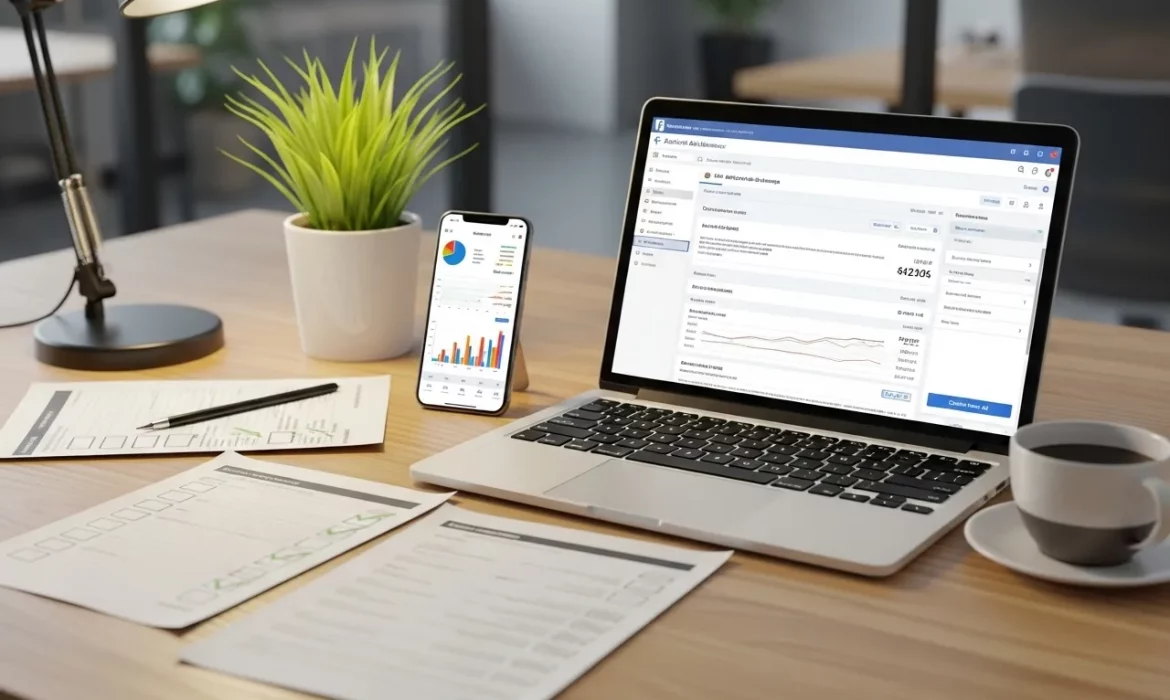
“Boost” looks simple. Click, spend, hope. That is how the budget disappears. Our social media marketing experts team launches only after a strict checklist that covers strategy, compliance, tracking, audience, creative, and a clear 72-hour plan.
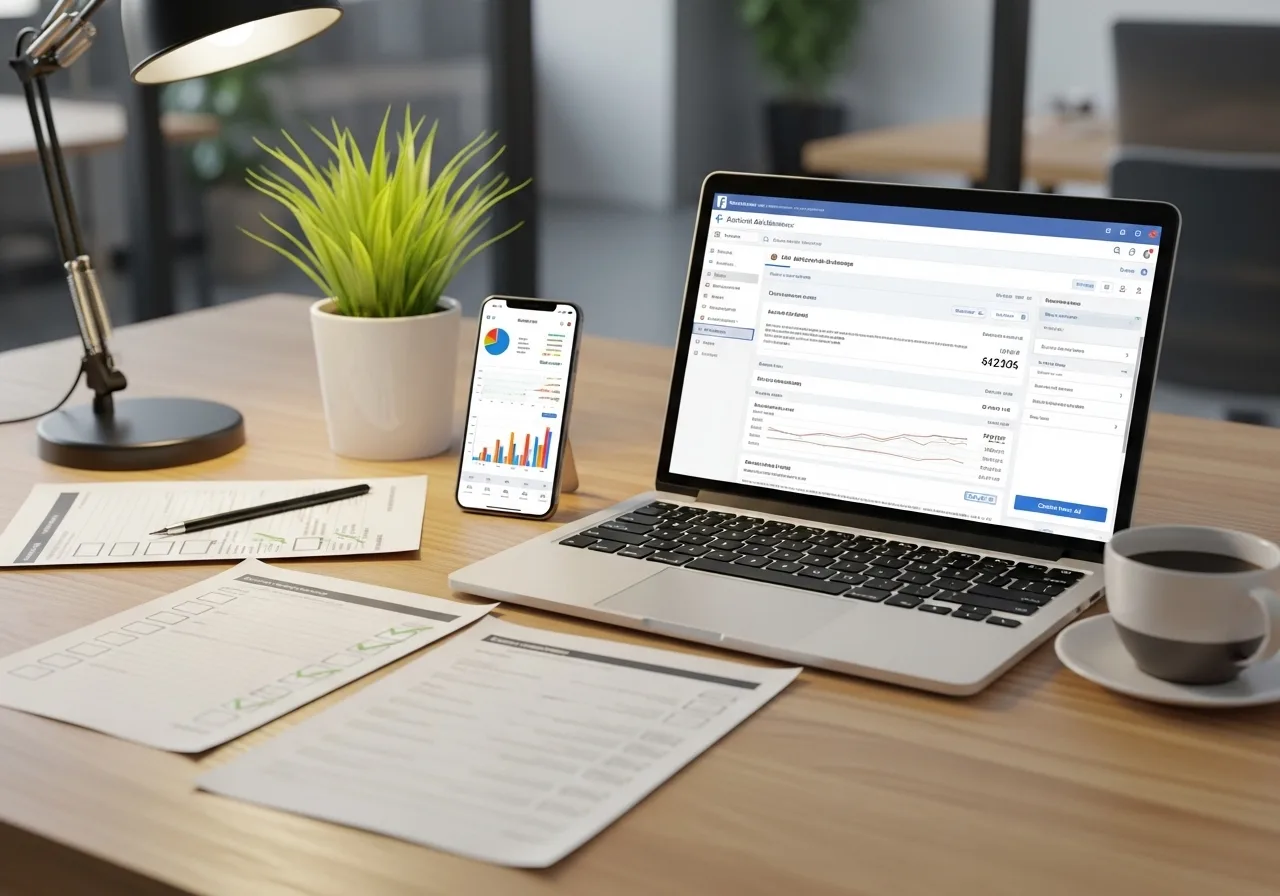
We start by choosing the right lane for the job. If the goal needs advanced targeting or optimization, we run Ads Manager. If a post already performs well organically and we want more reach or engagement quickly, we boost it with care.
We verify the Pixel and the path to conversion, then set guardrails for budget and placements. The result is a launch that learns faster and wastes less.
What Is a Promoted Post?
A promoted post is a paid boost of an existing Page post. It is still an ad, but it is created from your Page, not from a new build in Ads Manager. It is useful for quick visibility on content that already has strong organic engagement.
Boost vs Ads Manager: quick decision gate
- Use Boost when the post is already a winner and the goal is reach, lightweight engagement, or simple traffic.
- Use Ads Manager when you need full control of objectives, audiences, placements, and optimization, or when you plan to test variants.
Start With Picking the Right Objective.
Meta uses a simplified set of six objectives. Choose the one that matches your business goal: Awareness, Traffic, Engagement, Leads, Sales, App Promotion. Your objective influences delivery and cost.
Compliance and Access: Prevent Rejections Before They Happen

Fix permissions, billing, and policy fit upfront to avoid pauses and denials.
1. Page roles, access, and billing
Confirm the right roles in Business Suite or Ads Manager, and make sure a valid payment method is active. Delivery will pause if billing fails.
2. Policies and Special Ad Categories
Review Advertising Standards and declare any Special Ad Category. Targeting is restricted for housing, employment, political or social issues, and, as of 2025, financial products and services. Failing to declare can get ads limited or rejected.
3. Domain, privacy, and landing page readiness
If you send traffic off Facebook, verify the domain, use HTTPS, include a privacy policy, and keep the message match between the ad and page. Slow or mismatched pages hurt performance and trust.
Tracking and Measurement: Pixel, Events, and UTMs
Measure every click and conversion cleanly so optimization decisions are real.
4. Install and verify the Pixel
Add the Meta Pixel and verify that key events fire in Events Manager before launch. Use the Event Setup Tool or the Pixel Helper to test.
5. Choose the conversion event and attribution
Align the optimization event with your goal and confirm the attribution window and reporting view your team will use. This keeps the analysis consistent.
6. UTMs
Standardize UTM parameters so GA4 reports clearly show campaign, source, and medium.
Audience Plan: Who Sees It and Who Should Be Excluded
Give the auction room to learn while keeping wasted impressions out.
7. Core targeting
Start with location, language, age, and a small set of interests that match the offer. Do not over-narrow on day one. The auction needs room to learn.
8. Custom and Lookalike audiences
Use website visitors, video engagers, customer lists, and lookalikes of high-value customers to scale. This is where Ads Manager clearly beats Boost.
9. Exclusions
Exclude recent purchasers or converters and irrelevant geos to prevent waste.
10. Frequency guardrails
Plan an early creative rotation to avoid fatigue.
Creative Pre-Flight: Packaging That Earns Clicks
Strong packaging lifts CTR and sets up the watch or conversion that follows.
11. Choose a high-performing post
Boost only content that has already earned quality engagement. That signal means the packaging resonates.
12. Visual hygiene
Clear focal point, readable text on mobile, high contrast, brand-safe colors. Keep the message obvious at a glance.
13. Copy and CTA
Lead with value in the first line. Keep the most important text within the first about 70 characters so it shows well in the feed. Use a single, direct CTA.
14. Variants
Prepare 2 to 3 creative variants so you can rotate during the first week if needed.
Budget, Schedule, Placements, and Delivery

Control where, when, and how you spend works so learning is efficient.
15. Daily vs lifetime budget
Pick one based on control needs. Lifetime gives day part controls and flexible pacing. Daily gives a steadier daily spend.
16. Schedule
Set clear start and end times. Avoid mid-day surprise launches.
17. Placements
Start with Advantage+ placements unless you have a strong manual rationale. This lets the system find cheap delivery pockets across feeds, stories, reels, search, and messages.
18. Budget strategy
Consider the Meta Advantage campaign budget if you want automated budget shifts toward better ad sets. It reduces manual management and can lift efficiency.
19. Learning phase
Let the system exit learning before you make big edits to budgets or targeting.
Final QA Before You Press Boost
One five-minute pass can save days of poor delivery and lost budget. Here is the twelve-point pre-launch check:
- The objective aligns with the business goal.
- The audience size is large enough for learning.
- Geo and language are correct.
- Exclusions applied.
- Placements set.
- Daily or lifetime budget confirmed.
- Schedule correct.
- Pixel firing on the destination URL.
- Working URL and UTMs.
- Mobile and desktop previews are clean.
- Policy-sensitive terms reviewed.
- Billing method active and spend limit checked.
Risk items
Too much text in the image, restricted claims, broken links, and slow page. Fix before launch.
Launch Day and the First 72 Hours
Let the system learn, then make smart edits based on early signals.
Day 0 to 1
Confirm delivery, pacing, and link health. Look for early CTR and thumb stop signals.
Day 2
Check CTR, CPC, CPM, and early cost per result relative to your goal. If a creative is clearly underperforming, rotate one prepared variant.
Day 3
If performance is healthy, start gentle scaling. If not, diagnose. Low CTR means a packaging problem. High CTR with weak results means a landing page or audience mismatch.
Common Reasons Promoted Posts Get Rejected or Underperform
Solve the usual suspects first to restore delivery and results quickly.
● Policy flags
Undeclared Special Ad Category, restricted claims, or non-compliant creative.
● Weak packaging
Low CTR from unclear value or confusing first line. Fix title and thumbnail pairing.
● Mismatch
The landing page does not fit the promise or loads slowly. Users bounce.
● Over-narrow targeting
Learning stalls because the audience is too small. Widen and retest.
Launch With Confidence, Grow With EvenDigit
Promoted posts work when strategy, creative, and tracking line up. At EvenDigit, our social media ads experts turn that alignment into results.
We plan your offer, confirm policy fit, verify Pixel events, and build an audience plan that gives the auction room to learn. Then we package the post for clicks and manage the first 72 hours with clear thresholds, so decisions are based on data, not guesswork.
What we handle for you:
- Content and creative that earn attention in the first line and the first second.
- Audience design, exclusions, placements, budgets, and clean UTMs.
- Events Manager and GA4 checks, weekly reporting, and scale rules that protect ROI.
Want a launch that learns fast and wastes less. Connect with our experts and get an action-focused plan you can use next.
Some Frequently Asked Questions
Is Boost enough, or should I use Ads Manager?
Boost is fine for quick reach on a proven post. Use Ads Manager when you need stronger targeting, multiple creatives, or conversion optimization.
What budget should I start with?
Begin lean, confirm learning and fit, then scale. Pick daily for steady pacing or lifetime if you need day part controls. Consider the Advantage campaign budget if you want automated allocation.
How do I avoid my ad getting rejected?
Review policies, declare any Special Ad Category, and keep claims accurate. Check landing page compliance and message match.
How do I track results if I am driving to my website?
Install the Pixel, verify events in Events Manager, and add UTMs to links so GA4 reporting is clean.
What should I check if performance is poor after 48 hours?
Low CTR means packaging. High CTR with low results means an audience or landing page mismatch. Pause the loser, rotate a prepared variant, and check event tracking.